

How to Create an acccount on Ordibl
This comprehensive guide will walk you through the process of accessing your Ordibl Dashboard, ensuring you can quickly and securely log in to manage your account. To create a new Ordibl account, visit the Ordibl signup page and follow the instructions to register.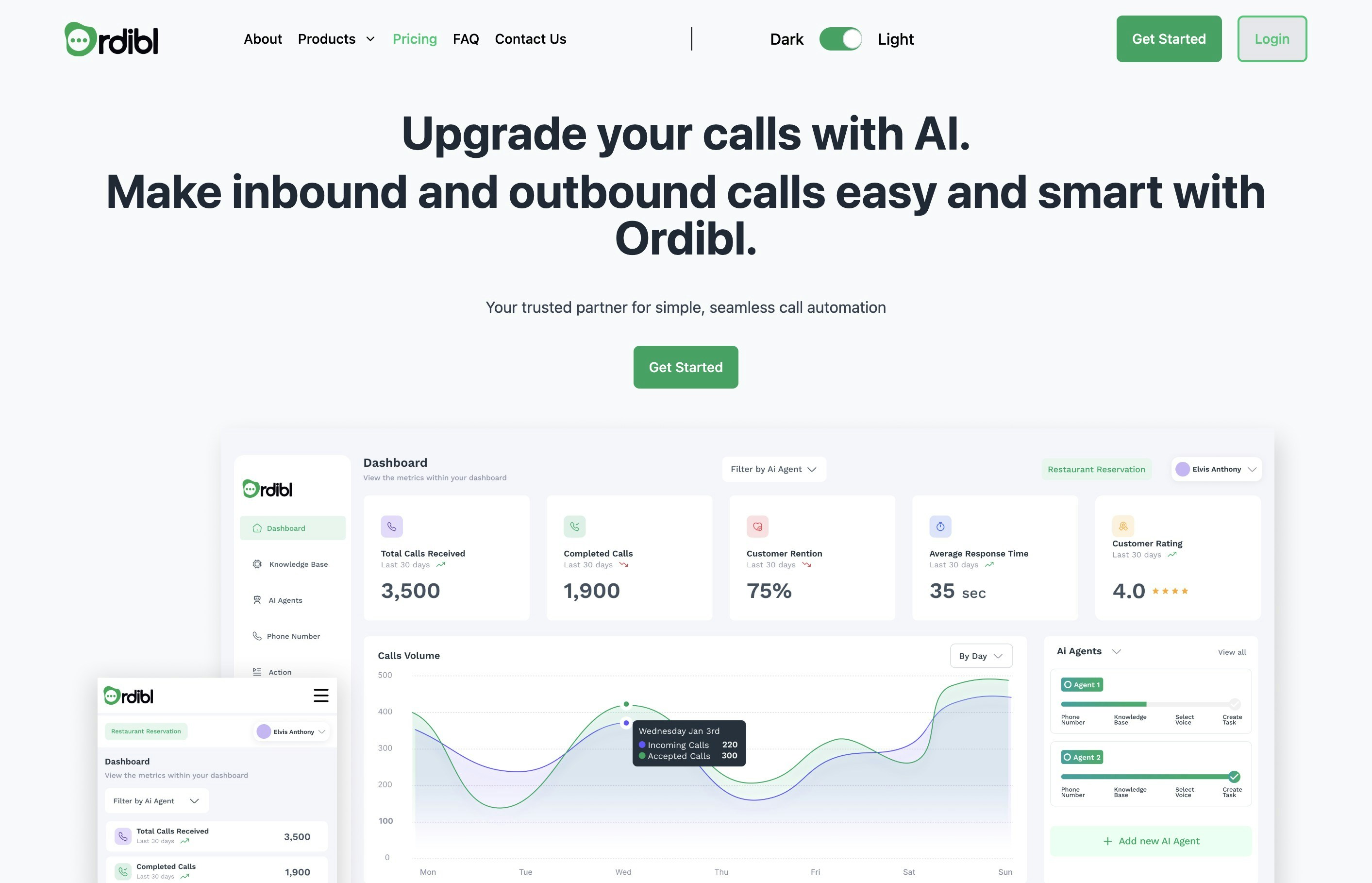
Ordibl Landing Page
Step 1: Navigate to the Ordibl Website
Open your preferred web browser and enter the Ordibl URL in the address bar. Click on the “Get Started” button to proceed to register for a new account.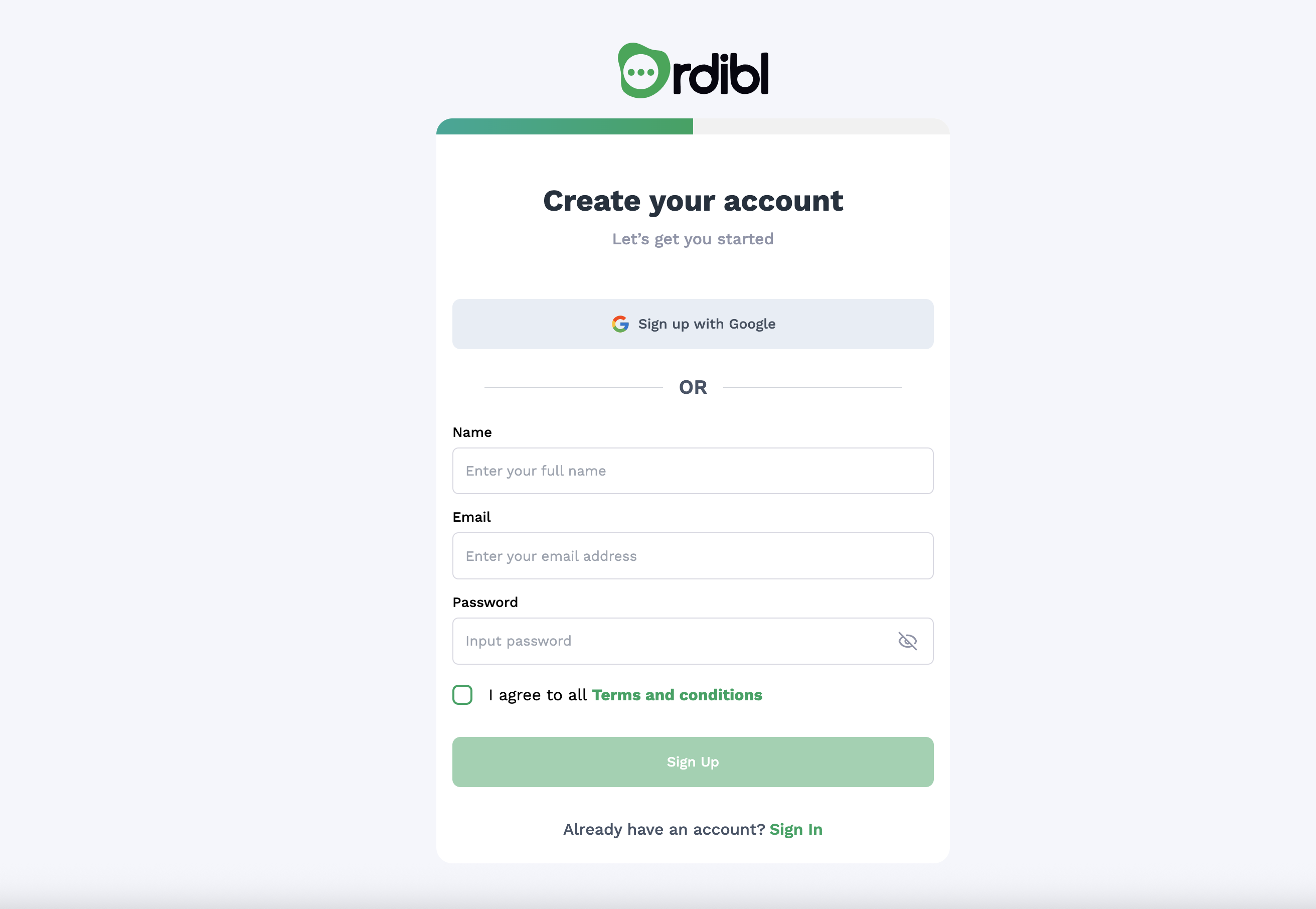
Ordibl Signup Page
Step 2: Enter Your Credentials
In the Sign up form, fill in your name and email addres. Then input your password. Ensure your credentials are entered correctly, as the system is case-sensitive. Accept the terms and conditions by checking the box, and then click on the “Sign up” button.
Ordibl Signup Form
Step 3: Choose an Industry
Select the industry that best fits your needs. This helps Ordibl tailor its services to your specific requirements.
Ordibl Industry Selection
Step 5: Enter your OTP
Next, you will receive a One-Time Password (OTP) via email. Check your inbox for an email from Ordibl and enter the OTP in the provided field on the website. This step is crucial for verifying your identity and securing your account.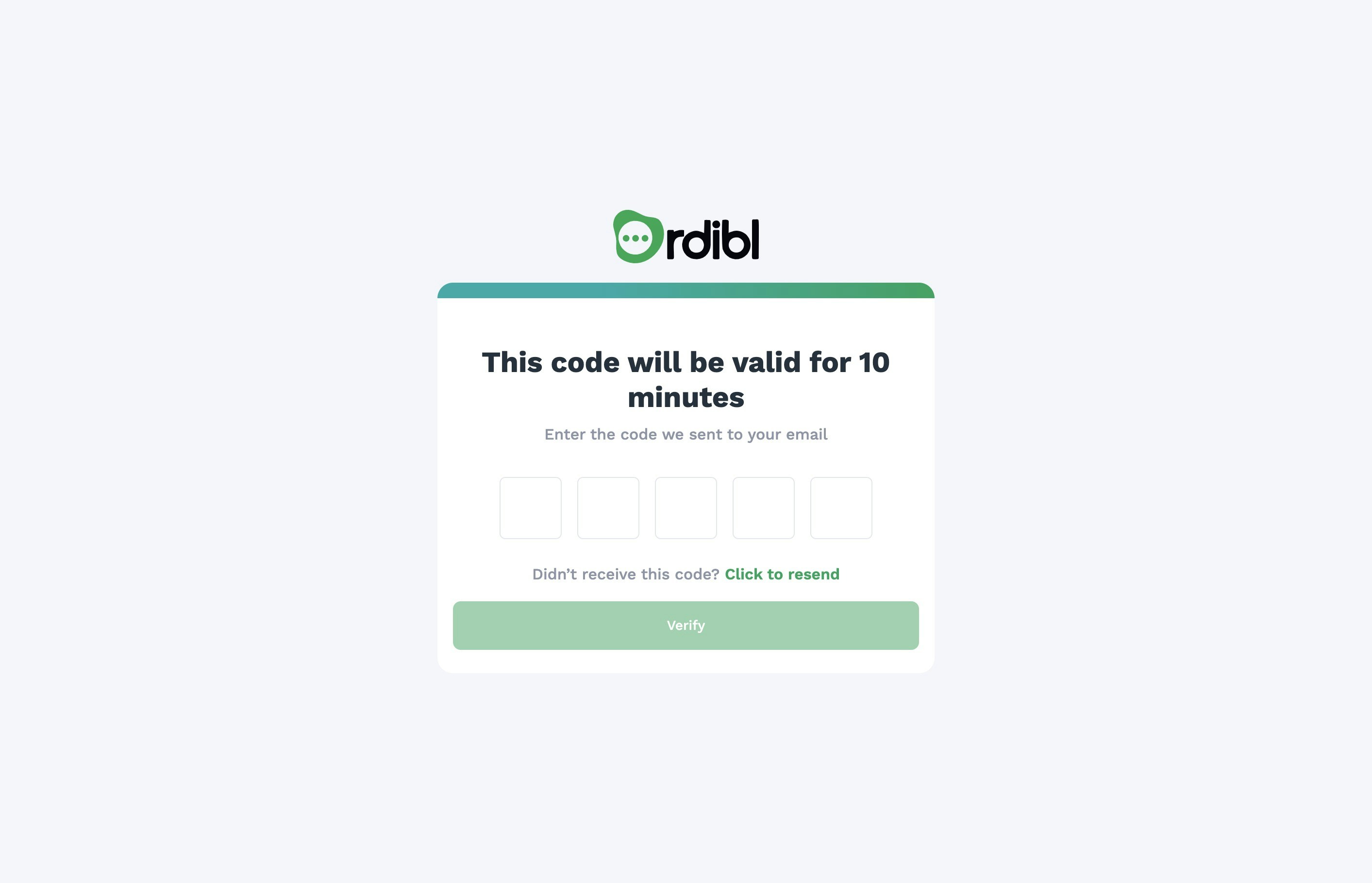
Ordibl OTP Verification
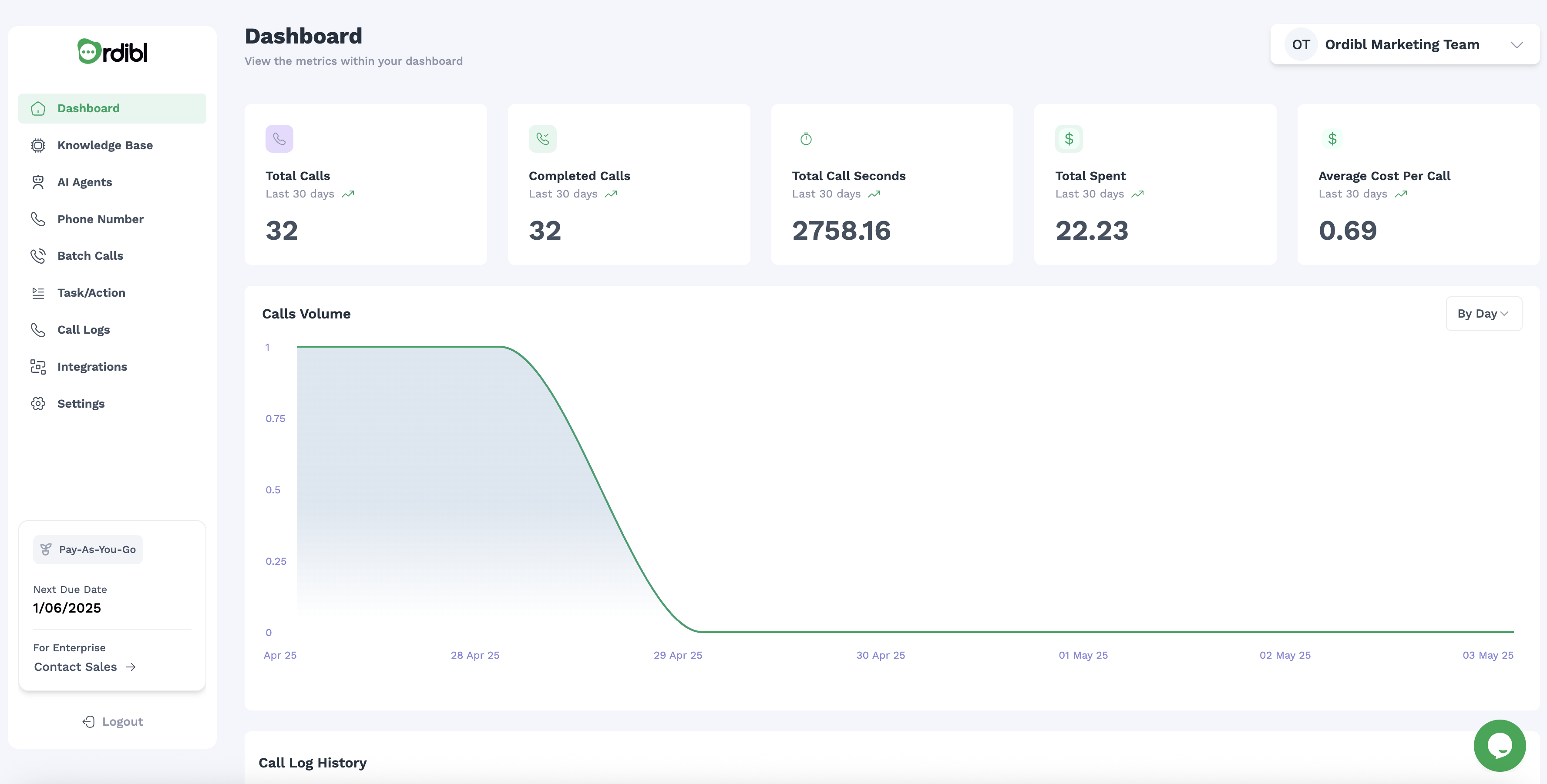
Ordibl Dashboard
How to Log in to Ordibl
To log in to your Ordibl account, follow these simple steps:- Open your web browser and navigate to the Ordibl login page.
- Enter your registered email address and password in the respective fields.
- Click the “Sign In” button to access your Ordibl Dashboard.

Ordibl Login Page
Troubleshooting
- Forgotten Password: If you cannot remember your password, look for the “Forgot Password” link on the login page to reset it.
- Account Locked: After multiple failed login attempts, your account may be temporarily locked. Wait a few minutes before trying again, or contact support.
- Browser Issues: Ensure JavaScript is enabled in your browser settings. The Ordibl Dashboard requires JavaScript for full functionality.