

Accessing the Phone Number Feature
- Log in to your Ordibl Dashboard
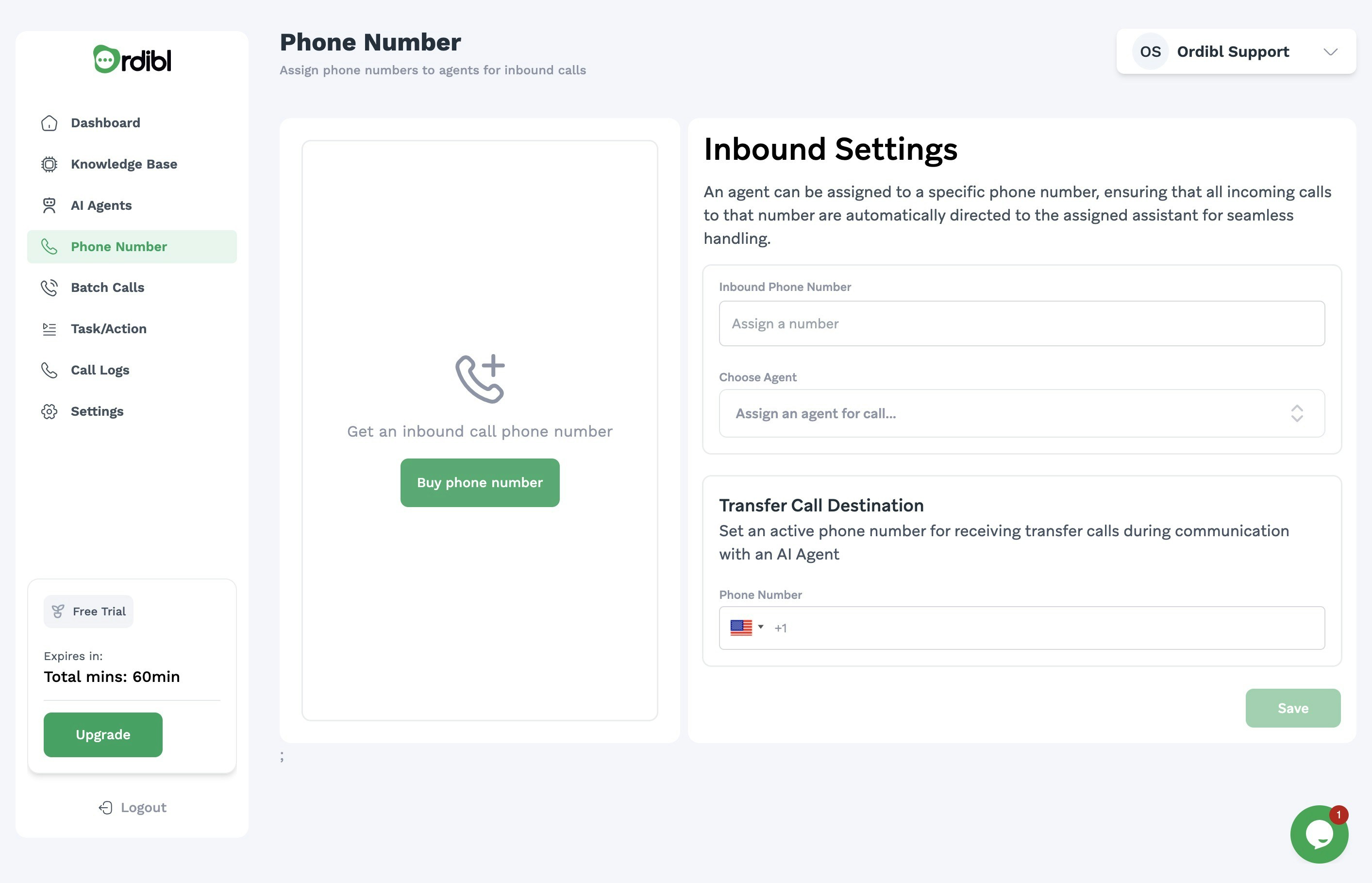
- Navigate to the “Phone Number” section in the main menu
- This will take you to the phone number management interface

Ordibl Knowledge Base
Purchasing a New Phone Number
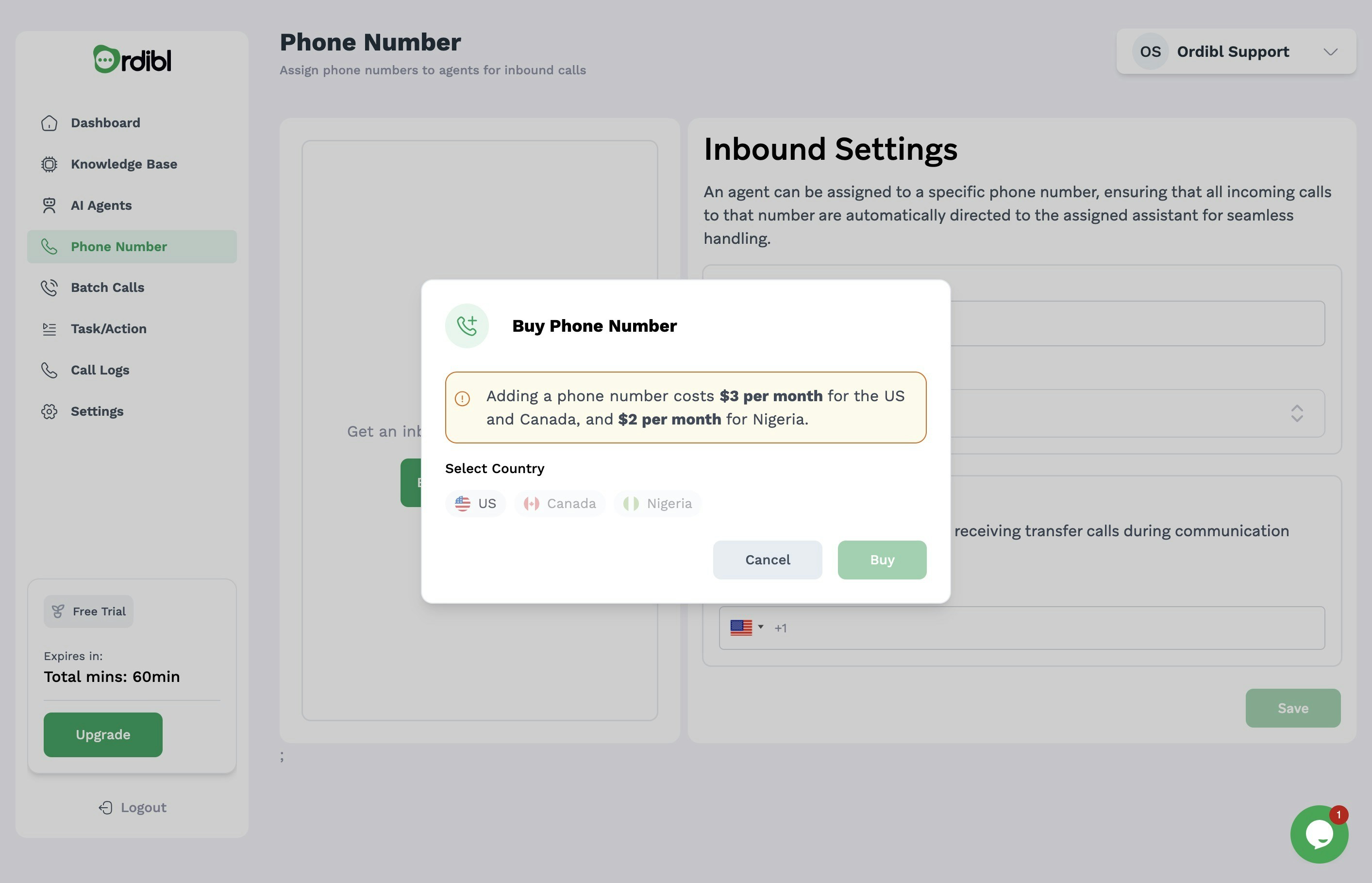
- Click on the “Buy Phone Number” button
- Select your preferred options:
- Choose the country/region for your phone number
- Wait for confirmation that your number has been successfully assigned
Configuring Your New Number
- Assign the purchased number to your AI agent
- Set up call routing options if needed
- Test your new number by making an inbound call
Important Notes
- Phone numbers typically have a monthly subscription fee ($2/month)
- Ensure you select a number type that suits your business needs (More countries will be added in the future)
- Numbers can be released back to the provider if no longer needed